Teach and explain
Lessons and course modules your learners will finish
Name the concept and the level, or paste a module outline. You approve a script pitched at that level, then a hand draws it while the voice teaches. Export the MP4 with SRT or VTT for your course platform.
Free account. You approve the script before any picture is drawn.
For Teachers, tutors and online course creators
What you get
Made for this kind of video.
Lesson and Course module formats
Hook, explain, example, check, recap: in the right order, every time.
From your own outline
Paste your notes; the review flags any figure your notes didn't give.
Charts and diagrams
Timelines, cycles, flowcharts and charts drawn as the voice explains them.
For every classroom
Chalkboard look, captions, subtitle files, and translation into other languages.
- Topic, notes or your script
- 14 proven formats
- Charts and diagrams
- 6 caption styles
- SRT and VTT files
- 30 languages
- Approve before you pay
- No invented figures
Good to know
- Course Studio (many lessons at once, quizzes, handouts, LMS packages) is coming soon.
- No SCORM export yet: MP4 plus SRT or VTT.
How it works
Three steps. No timeline.
Real screens from the app. Nothing is drawn, and nothing is paid, until you approve the script.
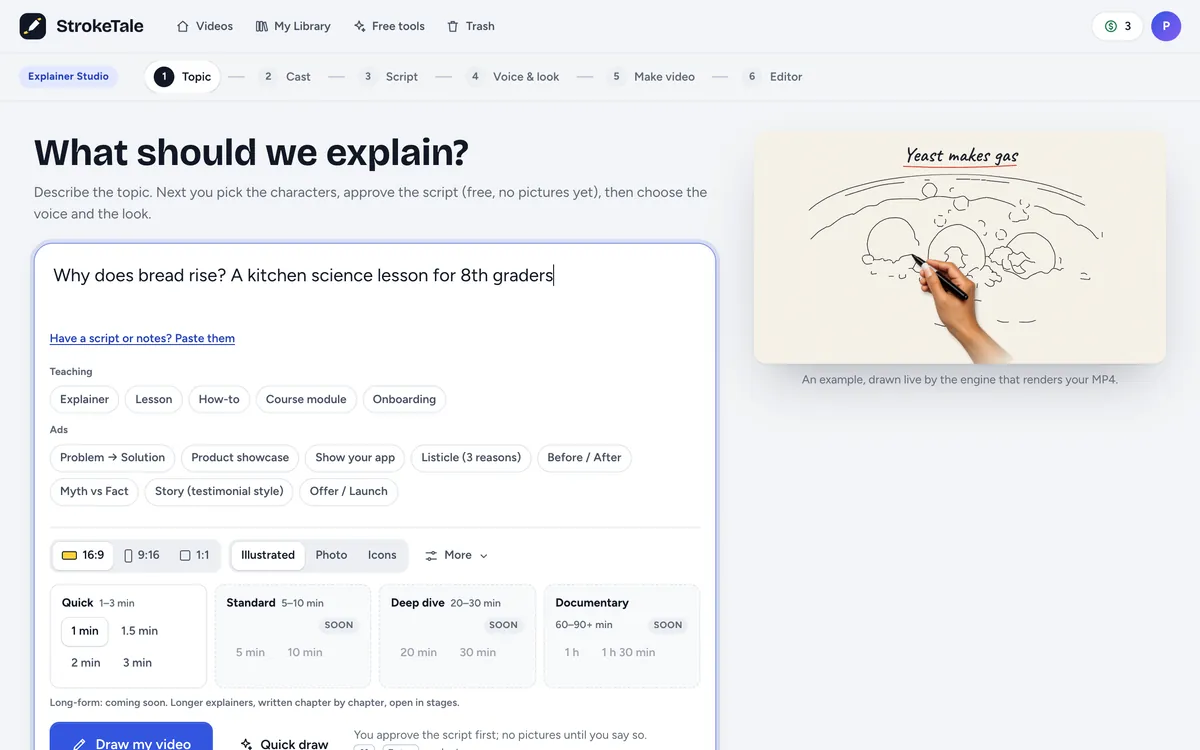
Tell us what to make
Type a topic, paste your notes or a script, and pick the kind of video. Every setting can change later.
Approve the script, free
Read every scene and change it in plain words. Nothing is drawn, and nothing is paid, until you say yes.
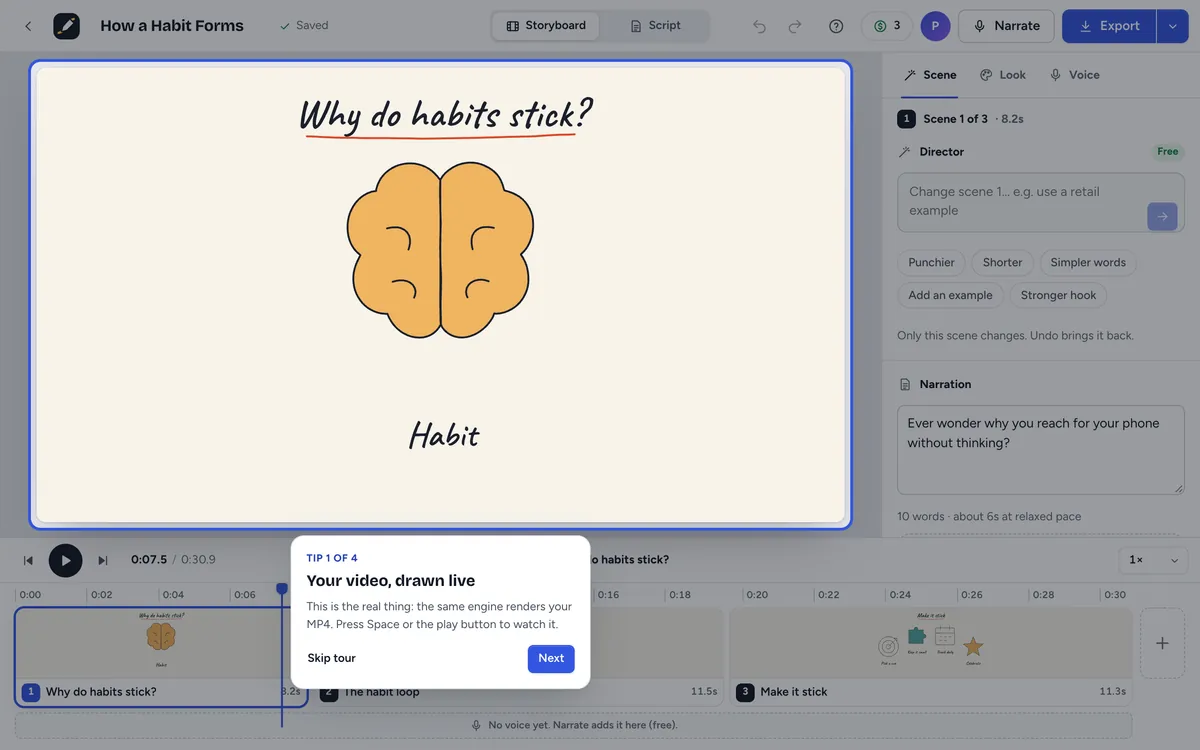
Watch it come to life
Pictures, voice, captions and music arrive scene by scene. Change any scene by chatting, then download your MP4.
You stay in control
Nothing happens without your say.
You read the script before anything is drawn, change one scene by asking, and step back with Undo. Anything that uses credits shows its price first.
Approve the script first
Edit any line, or ask for a new version. Scripts and revisions are free; pictures wait for your yes.
Change a scene by chatting
Say what you want in plain words. Only that scene is redrawn, and scene edits are free.
Undo anything
Every change can be undone, and your project saves itself as you go. Exports show their price before you confirm.
More to make
You might also make.
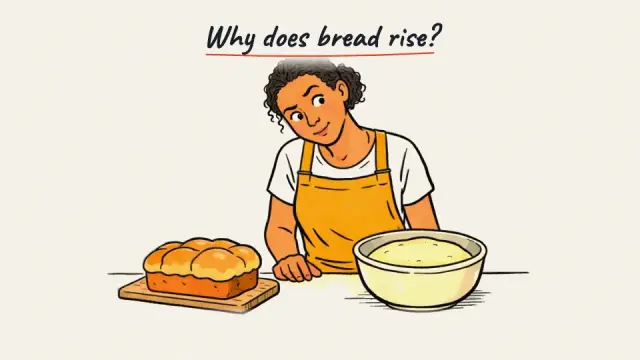
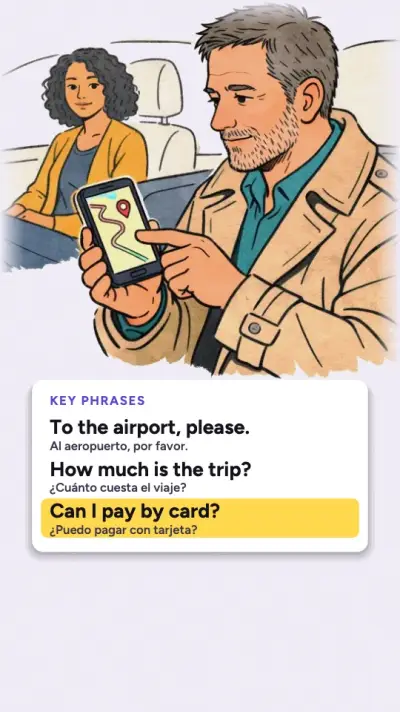
Language-learning dialoguesBeta
Everyday dialogues at your learners' level, with big text cards and two voices.
Questions
Straight answers.
Can I make a whole course?
Today you make each module in Explainer Studio. Course Studio, with many lessons from one outline, quizzes and LMS export, is coming soon.
How long can a lesson be?
Up to 3 minutes today. Longer lessons with chapters are coming.
How much control do I have?
All of it. You approve the script before anything is drawn, choose the look, hand, voice and music, and can change any scene, line or setting afterwards.
Can I edit after the video is made?
Yes. Ask the Director in plain words, or edit the words, pictures, figures, charts, captions and timing yourself. Only what you change is redone, and scene edits are free.
Who owns the videos I make?
You keep all rights in what you put in, and we give you all the rights we have in your videos, so you can publish them, including commercially, within our terms. Some countries don't protect AI-made material by copyright.
Is my content private?
Yes. Your projects are private unless you share them. We don't sell your data or use your content to train AI models, and you can download your data or delete your account at any time.
Your first one is a topic away.
Scripts, previews and scene edits are free. You only spend credits when you export, and you see the price first. A free account includes 3 minutes of video every month.
- Script approved before you pay
- Price shown before you confirm
- Credits back if a render fails
- 3 free minutes a month