Studios
What do you want to make?
Each studio is set up for one kind of video: the right shape, length, formats and captions from the start. Looks, voices, hands and your cast work in all of them.
Explainer Studio
Lessons, explainers and training, drawn by hand.Explore Explainer StudioShorts Studio
Scroll-stopping Reels, TikToks, Shorts and ads with bold captions.Explore Shorts Studio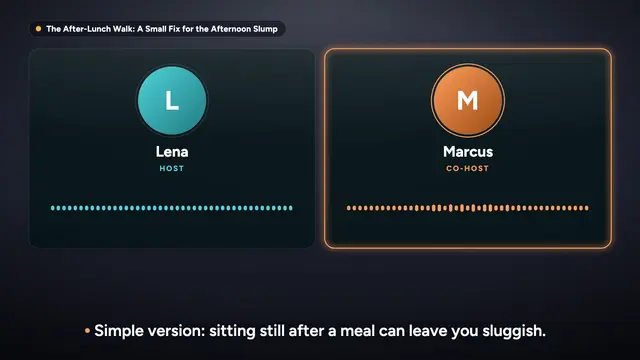
Podcast StudioBeta
Talk shows and interviews, as audio and video. Up to 10 minutes today.Explore Podcast StudioCourse StudioComing soon
A full course: many lessons, quizzes, handouts and LMS export.See what is coming
In every studio
Your look, your voice, your cast.
Studios set sensible defaults for what you make. Every option below works in each of them, and you can change any default before the script is written.
- Looks7 ready looks, from classic whiteboard to soft 3D. Switching is free.
- Hands and handwriting56 photo hands with 6 drawing tools, and 8 handwriting fonts.
- Voices28 voices in 7 accents, with free previews of your own script.
- Your castRecurring characters that look the same in every scene. Save them to My Library.
- Music4 starter tracks or your own upload, ducked under the voice.
- Captions6 caption styles, word by word, plus SRT and VTT files.
- Brand kitYour logo, accent colour and preferred lettering, applied to every new video.
- PresentersSoonDrawn and painted presenters, always labelled as AI.
My Library
Set it up once, use it everywhere.
My Library is shared by every studio. Save a character, a favourite voice or your brand kit once, and pick it in any new video.
- CharactersSave the characters you cast, with their look, voice and personality.
- VoicesKeep your favourite voices at the top of every voice list.
- MusicYour uploaded tracks and the starter beds, ready for any video.
- Brand kitLogo, up to five colours and a font, on by default in new videos.
- UploadsYour logo and music files, with one storage meter.
Free tools
Free, no account needed.
Your first video is a topic away.
Scripts, previews and scene edits are free. You only spend credits when you export, and you see the price first. A free account includes 3 minutes of video every month.
- Script approved before you pay
- Price shown before you confirm
- Credits back if a render fails
- 3 free minutes a month