AI video studio for creators, teachers and marketers
One idea in.
Any video out.
Explainers, Shorts, ads, podcasts, lessons and more. Type your idea: StrokeTale writes the script, you approve it free, then it makes every scene with voice, music and captions.
- Script approved before you pay
- Price shown before you confirm
- Credits back if a render fails
- 3 free minutes a month
Or(no account needed)
Who it's for
Made for people who explain things.
Teachers and course creators
Tonight's lesson, drawn and narrated by morning.
- A script pitched at your class's level, approved by you
- Figures your notes didn't give are flagged
- Captions, plus SRT and VTT files for your LMS
YouTubers and social creators
A faceless channel with a look of its own.
- Shorts that open on the hook, captions clear of the buttons
- 3 other openings to test, free to preview
- A 16:9 explainer and a Short from the same idea
Marketers and agencies
Ads with claims you can stand behind.
- 8 proven ad formats
- Only the prices, results and dates you give
- Your logo and accent colour from the Brand kit
Four studios
What do you want to make?
Pick a studio and the right shape, length and captions come with it. Looks, voices and your characters work in every one.
Explainer Studio
Lessons, explainers and training, drawn by hand.Explore Explainer StudioShorts Studio
Scroll-stopping Reels, TikToks, Shorts and ads with bold captions.Explore Shorts Studio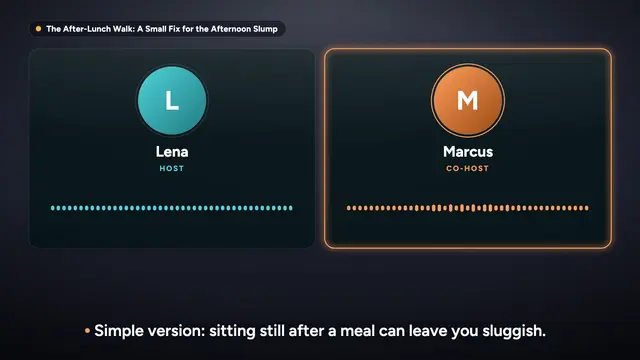
Podcast StudioBeta
Talk shows and interviews, as audio and video. Up to 10 minutes today.Explore Podcast StudioCourse StudioComing soon
A full course: many lessons, quizzes, handouts and LMS export.See what is coming
- 16:9YouTube, lessons, courses
- 9:16Shorts, Reels, TikTok
- 1:1Instagram, Facebook, LinkedIn
- Captionsburned in, plus SRT and VTT
Real videos, made with StrokeTale
Find your kind of video, and make one like it
Every card is real output. Filter by what you make, watch one, then press Make one like this: your video starts with the same settings.
8 kinds of video shown
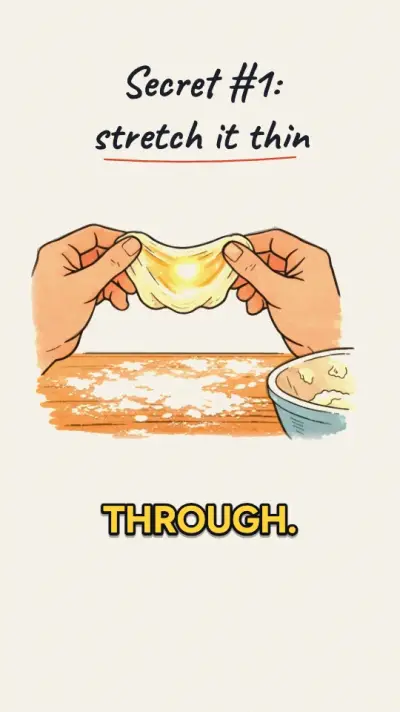
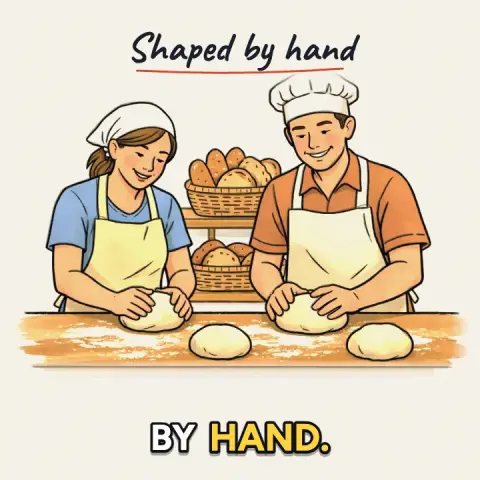
Stickman videos
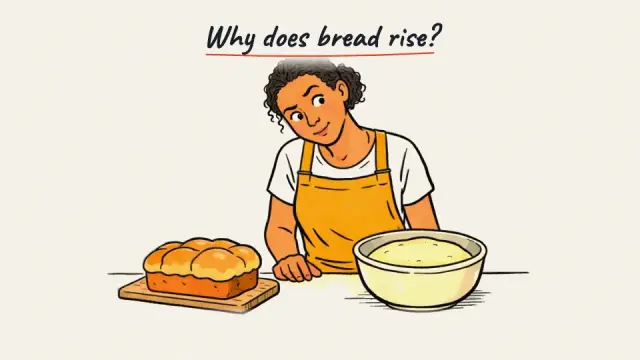
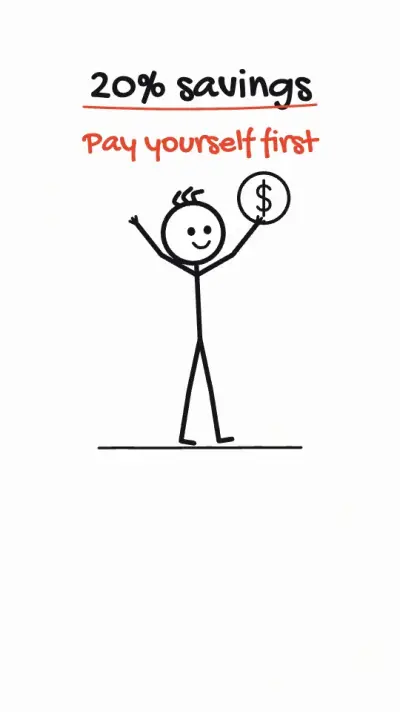
Stick figures act your idea out, timed to the voice, with no pictures to pay for.
Cartoon and 3D-style videos
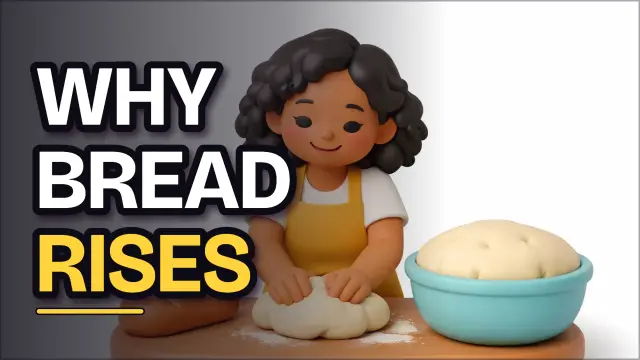
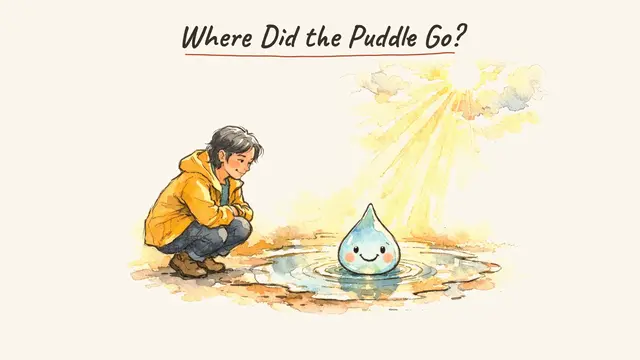
Soft 3D, modern flat and watercolour scenes with characters that stay the same.
Charts and data explainers
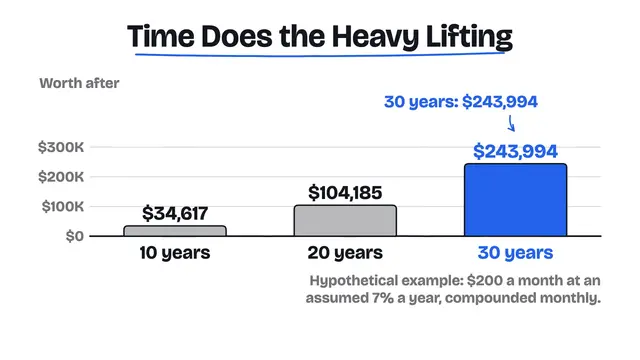
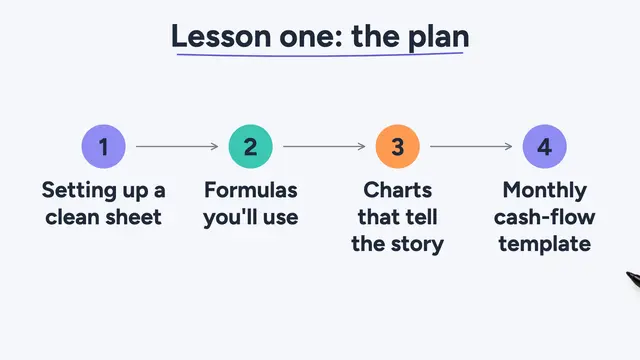
Bar, line and pie charts drawn as the voice names each figure, using only your numbers.
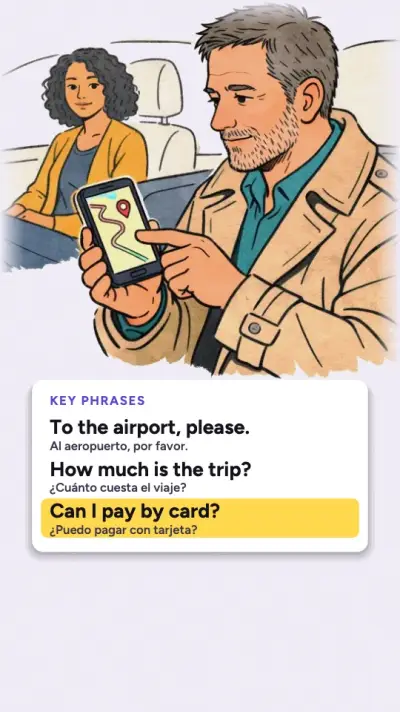
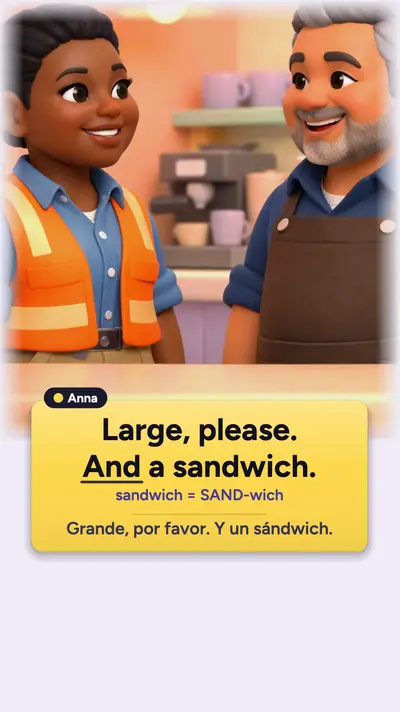
Language-learning dialoguesBeta
Everyday dialogues at your learners' level, with big text cards and two voices.
Every look
Whiteboard is one look. Here are 9.
The same scene, made in every look at the same moment: from whiteboard and chalkboard to Soft 3D, watercolour, flat and stick figures. Pick a look when you create, or switch in the editor for free; your pictures stay. Looks marked Soon are still being tested.
Voice and sound
Sounds finished. No microphone needed.
Natural voices, music under the voice and studio mastering on every export, for Shorts, YouTube and podcasts alike. Or use your own voice.
- 28 natural voices12 HD voices in 7 accents. Hear any of them read your own script, free.
- 8 speaking stylesWarm, energetic, calm and more, for the whole video or one scene.
- Two voices, or a whole showA host and a guest in any video, or a show of up to 10 minutes in Podcast Studio (Beta).
- Music that ducks4 starter tracks or your own upload, lowered under every spoken line.
- My voiceRecord or upload the narration yourself, scene by scene. Captions and drawing follow your words.
- Clone my voiceComing soonType the script and hear it in your verified voice, private and labelled as AI.
Edit by chatting
Talk to the Director. Get the change.
No timeline to learn. Say what you want in plain words, like you would to an editor, and watch that scene change.
- One scene, not the whole videoOnly the scene you asked about is redrawn, and scene edits are free.
- Point at things"Circle the yeast": the Director finds it in the picture and times the move to the word.
- 3 other openingsFor any vertical video, free to preview. Keep the one that stops the scroll.
- Undo anythingEvery change can be undone, and your project saves itself as you go.
Make it yours
Your characters, your brand, your voice.
Set them up once in My Library, and every new video starts with them.
Your cast
Up to 4 characters, from 19 ready-made ones or your own description. They look the same in every scene.
Brand kit
Your logo in any corner of the export, your accent colour and your preferred lettering, on every new video.
Your photosComing soon
Use your own pictures of products, places and people as they are, restyled into your look, or as references.
Me avatarComing soon
A painted, Soft 3D or cartoon avatar of you, to present your videos. Only you, verified, and always labelled as AI.
How it works
Three steps. No timeline.
Real screens from the app. The script step shows the script of a real lesson.
- 1
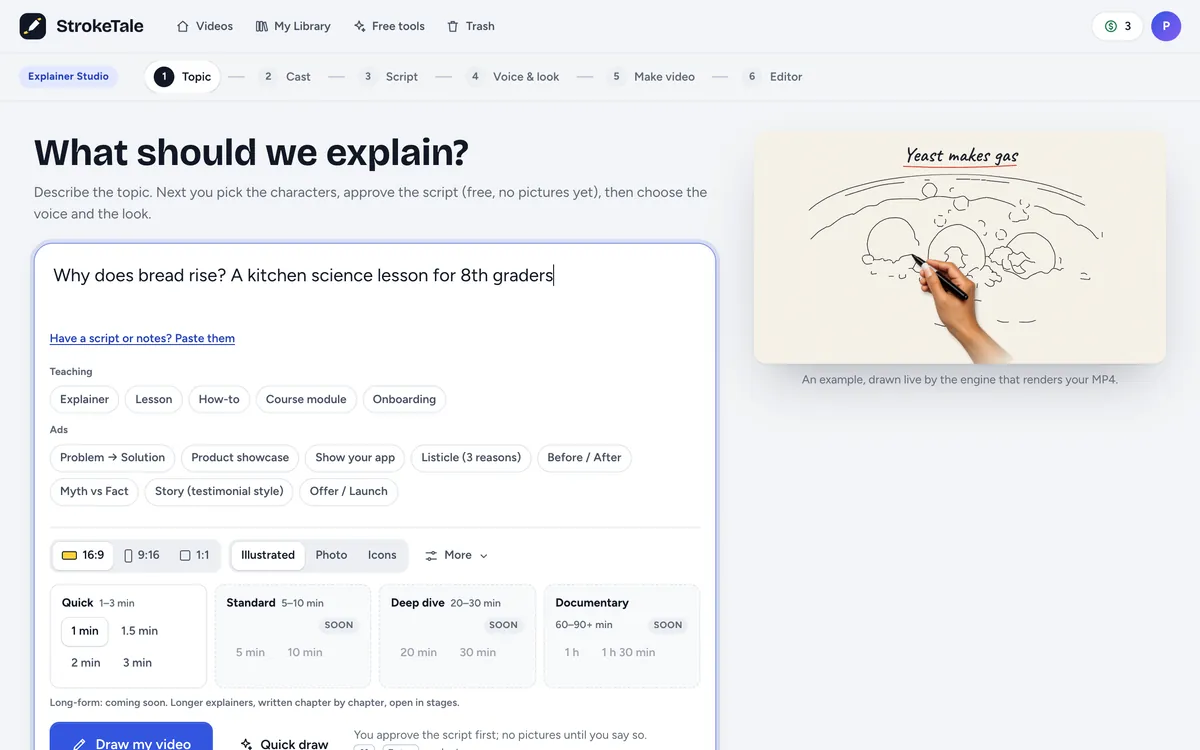
Say what you're making
An explainer, a Short, an ad or a podcast. Type an idea, paste notes or a full script.
- 2
Approve the script, free
Change any line or ask for another version. Nothing is made, and nothing is paid, until you say yes.
- 3
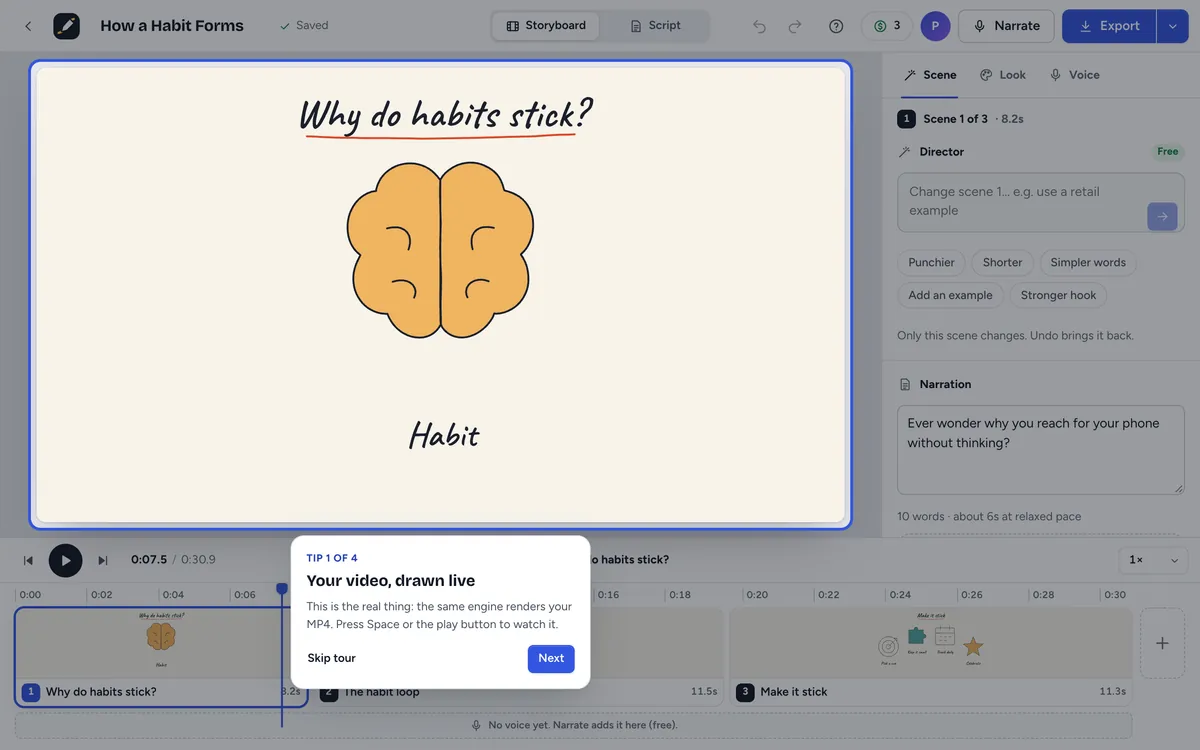
Watch it come to life
Pictures, voice, captions and music arrive scene by scene. Ask the Director to change one scene: only that scene is redone, free.
You stay in control
Price shown first. Retries cost nothing.
You approve the script before anything is made, scene edits are free, and anything that uses credits shows its price before you confirm.
Approve the script first
Scripts are written and revised for free. Pictures are drawn only after you say yes.
Usually: Pay for a full render to find out the script was off.
Scene edits are free
Ask for a change to one scene. Only that scene is redrawn, and edits never use credits.
Usually: Every retry costs another generation.
Captions included
6 caption styles burned in word by word, plus SRT and VTT files to download.
Usually: Captions as a separate tool or add-on.
Hook-first vertical
9:16 videos open on the hook with captions on. Not sure? Try three other openings, free.
Usually: A slow intro viewers swipe past.
Checked for invented facts
The review flags figures and rules your topic or source did not give, and asks for your text when it needs it.
Usually: Confident numbers nobody checked.
Credits back if it fails
If an export or a picture can't be made on our side, the credits for it come back automatically.
Usually: Pay again for a render that broke.
Questions
Straight answers.
Do I pay before I see the script?
No. Scripts and revisions are free. Pictures are drawn only after you approve the script, and credits are used when you export, translate or repaint, always with the price shown first.
How do credits work?
One credit is one minute of exported video, so a 45-second video uses about 0.8. A free account gets 3 credits every month. Drafts, previews, AI narration and scene edits do not use credits. Pictures don't use credits either; each plan includes a number of new pictures per day (the free plan: 24), and the icon, stickman and chart looks don't use pictures at all. Translating, repainting pictures in a new look and podcast voices show their price before you confirm, and credits for anything that fails on our side come back automatically.
Can I buy more credits or a plan?
Not yet: paid plans and credit packs open soon. Until then every account works on the free monthly credits. If you need more for a project now, write to support@purplehardstone.com.
Can I edit one scene without starting over?
Yes. Ask the Director to change a scene in plain words. Only that scene is rewritten and redrawn, and edits are free.
Will the MP4 look like the preview?
Yes. The preview in your browser and the exported MP4 are drawn by the same engine from the same document.
Does StrokeTale make up facts?
It is built not to. The script review flags figures and rules your topic or pasted source did not give, and for organisation policies it asks for your text instead of guessing. Ad scripts only use the claims you give. You approve every script.
Your next video is one idea away.
Free to start, with 3 minutes of video every month. Scripts, previews and scene edits never use credits, and every price is shown before you confirm.
- Script approved before you pay
- Price shown before you confirm
- Credits back if a render fails
- 3 free minutes a month